Keeping the buying group current
Contacts is the people layer every outbound motion starts from. Prioritizing by engagement, finding dormancy inside live deals, and building the org chart.
The people layer
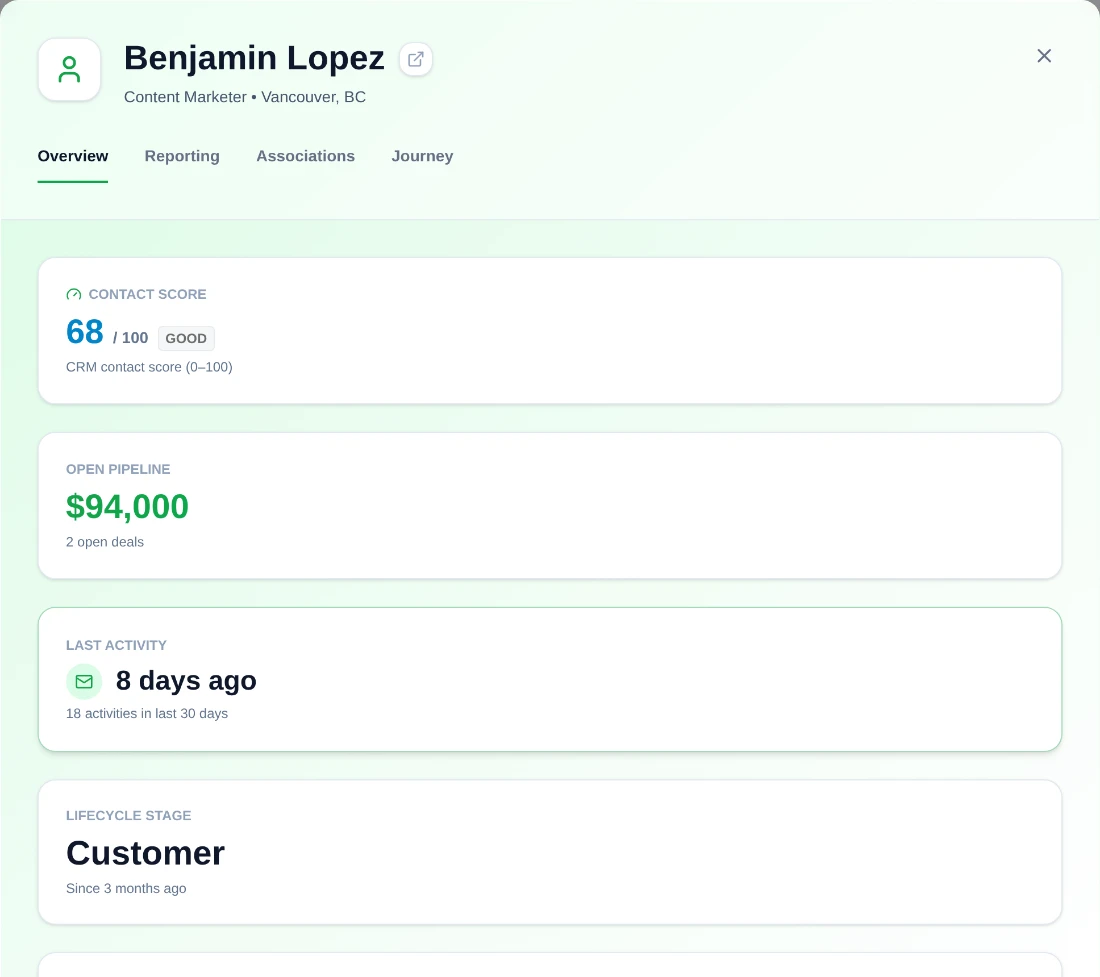
Contacts is where every outbound motion starts. Engagement score, lifecycle and owner come straight from your CRM, so this is a working surface over your existing data rather than a second place to maintain people.
Search covers name, role, owner and email and runs server-side when the CRM is connected, so a large contact base stays usable. Filters for job title, lifecycle, deal status, owner, engagement range and last activity all live in the URL, so a cohort is a shareable link.
Ordering the day by engagement
Engagement score is a 0–100 signal computed from recent activity and meetings and recalculated nightly: 80 and above reads green, 50 and above amber, below that grey. Sorting or filtering by a score range is the fastest way to point a day at the contacts most likely to respond. Because it moves overnight rather than instantly, a meeting you took this morning will not show up on it until tomorrow.
It is worth being precise about what it is not. A low score is a statement about recent activity, not about a person's importance to a deal. A champion on holiday and a contact who has gone quiet look identical to it. Use it to order work, and use the account map to decide who matters.
The dormancy cohort
The single most useful filter combination on this page finds contacts who have gone quiet inside deals that are still open: last activity greater than thirty days, combined with has-deal yes. That is the standard "lost touch" cohort, and it is a list of deals in trouble that no pipeline report has flagged yet.
Run it weekly. Selection survives across pages of the table, so the cohort can go into a play or a campaign in bulk once you have it.
Building the org chart
The Reporting tab is where a contact list becomes a buying-committee view: set department, reports-to and direct reports, and accept AI-suggested teammates from the same department. It takes seconds per contact and it is the input the account map depends on.
Each card also carries a 0–100 ICP match and a one-line messaging hint built from the person's role and responsibilities. Read both before drafting outreach; generic messaging to a well-mapped committee is a wasted map.
Before you reach out
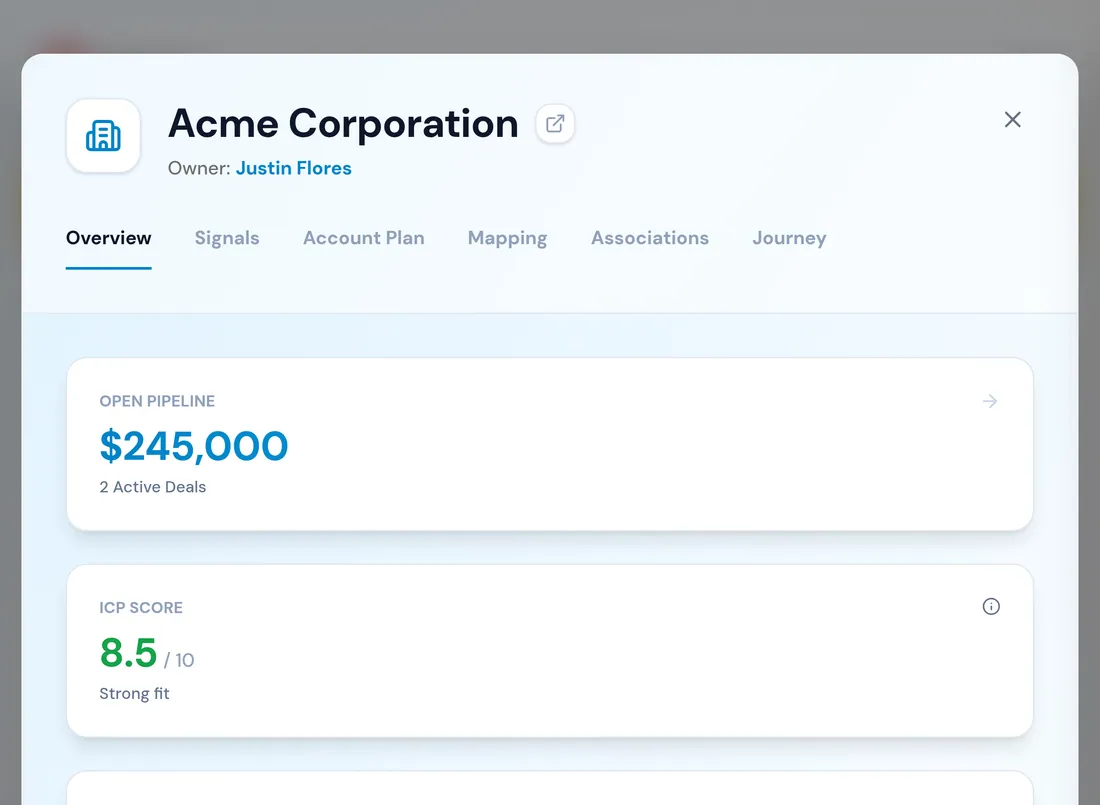
The Journey tab is the chronological feed of opens, meetings, calls and stage changes. Check it before reaching out, for one specific reason: the last meaningful interaction is frequently not the one you remember, and opening with a reference to a conversation that happened two quarters ago is worse than opening cold.
From the contact modal you can enrol the person in a play to schedule the first step. The play automates the cadence; the messaging stays yours. Whatever you queue here surfaces in the Action Center, which is where the follow-through actually happens.
What to take away
- Engagement score is a rolling activity signal — use it to order your day, not to judge a person.
- The dormancy cohort is one filter pair: last activity over thirty days, has deal yes.
- The Reporting tab turns a contact list into a buying-committee view.
- Read the Journey before you reach out. The last meaningful interaction is rarely the one you remember.
Put it to work
Jobs this page is behind
Try the demo.
See agents carry the repeatable work of GTM across sales, marketing, customer success, and RevOps. Every action prepared, reviewed, and recorded. Fictional data, real product.
Explore the demo