Voice Agent
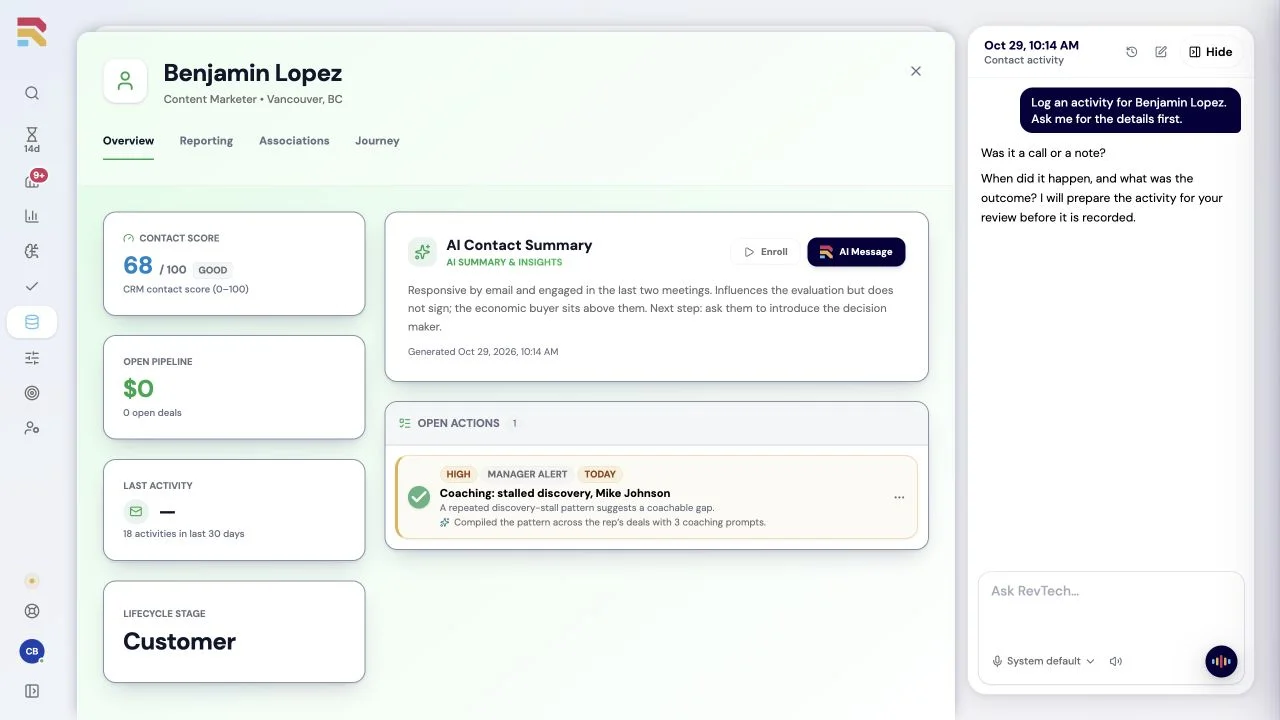
Speak the update.
The work moves.
Give the customer your attention. Afterward, talk through the update with the Voice Agent: it asks clarifying questions and prepares CRM changes, follow-up and next steps for your review. RevTech runs the agent; you carry the relationship.

In short
What is the Voice Agent?
The RevTech Voice Agent is a conversational assistant that turns spoken updates into proposed CRM changes, structured meeting notes, follow-up drafts and assigned next steps. It asks clarifying questions and uses current account and opportunity context to prepare the work. Your team reviews the actions required by your permissions and approval rules.
Carry the conversation forward.
The RevTech Voice Agent holds a two-way dialogue with you and turns it into structured GTM work. Speak the update and the agent answers back. It asks clarifying questions, confirms what it heard, and combines the conversation with current account, opportunity, activity, process, and permission context to prepare CRM changes, follow-up, tasks, and next steps. Actions follow your configured permissions and approval rules, your team reviews designated work, and your CRM stays the system of record.
The work follows you home
Notes, CRM fields and follow-up can compete with time for your next customer. Capture the context while it is fresh.
Updates arrive late
Records stay stale while people reconstruct the conversation after the fact.
Handoffs miss detail
Managers and teammates inherit incomplete decisions, owners, and next steps.
Talk it through. Review the next steps.
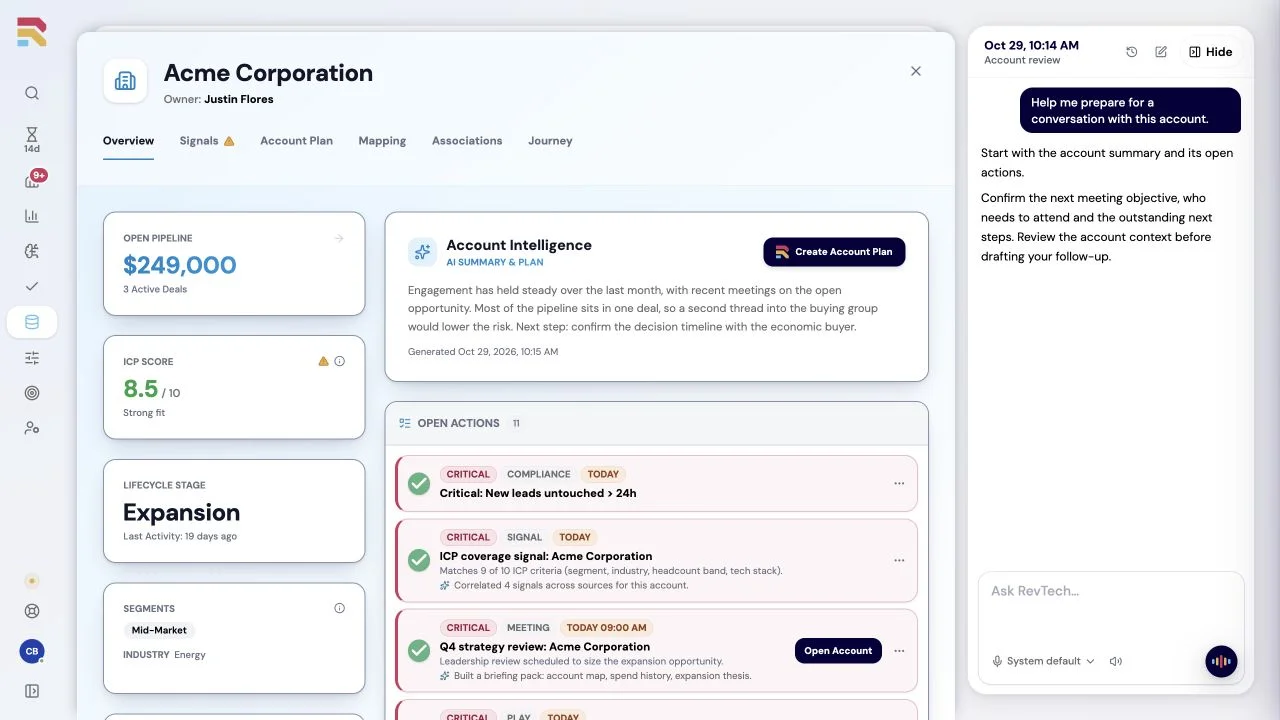
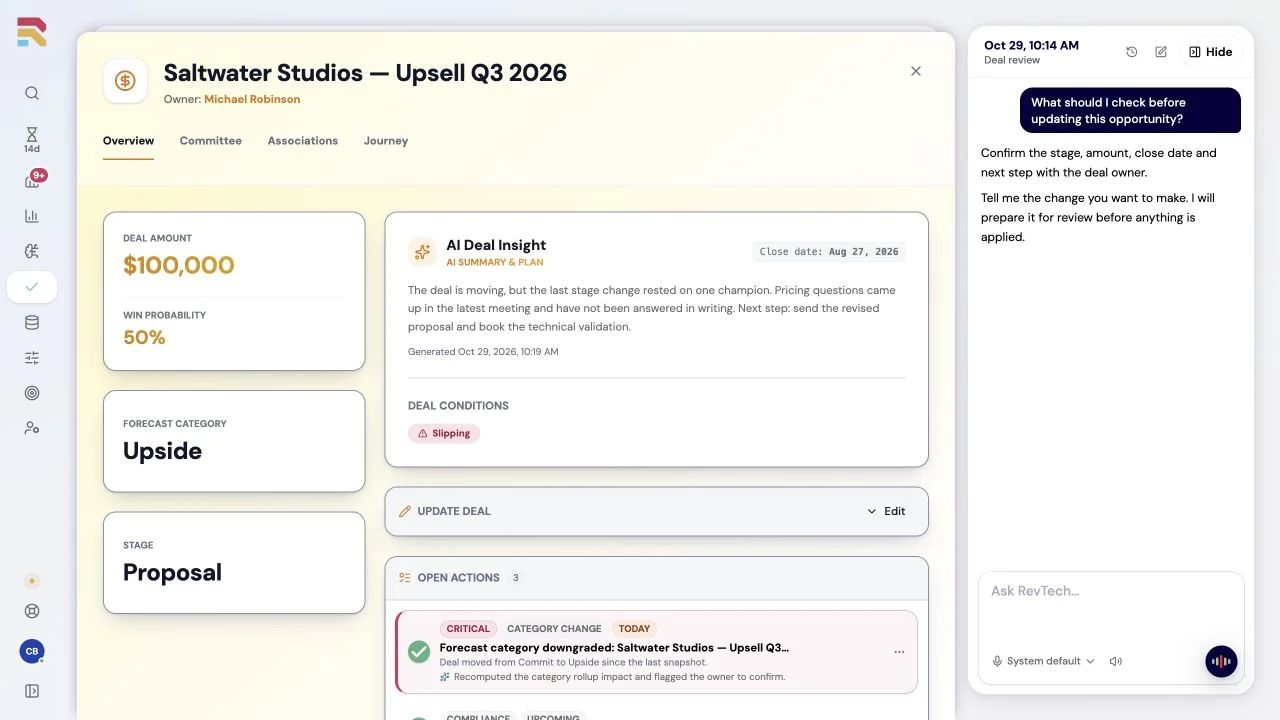
The Voice Agent does more than capture words. It talks back. It asks the clarifying question a good assistant would, confirms what it heard, and connects the dialogue to the GTM records, process, permissions, and people required to prepare work your team can examine, edit, and approve where appropriate.
Your judgment guides the work
The conversation brings proposed CRM changes, follow-up and tasks together for you to check. Review the captured context, correct the details and approve the work routed to you under your permissions and approval rules.
Business impact
More attention in the moment.Save 583 hours a year.
Capture commitments while they are fresh, so the next conversation can start with understanding.
Value and cost assumptions
All amounts are USD. The $6,000 starting budget is an example, not an agent price. Include allocated platform, credit, setup and operating costs. Check pricing.

Annual capacity value
$43,750
438 reusable hours at $100/hour.
- Value less investment
- $37,750
- Capacity-value ROI
- 629.2%
Illustrative estimate in USD. Value assumes useful reuse of recovered time; it is not cash savings or guaranteed revenue.
How this is calculated
Capture the CRM changes, meeting notes, follow-up and tasks from one customer update. Include speaking, clarification, corrections and approval in the time with the agent.
Annual hours = 100 items/week × (10 manual minutes − 3 minutes with agent) ÷ 60 × 50 working weeks. Hours are displayed rounded to the nearest hour; value uses the unrounded calculation.
Capacity value = recovered hours × 75% reuse × $100/hour. Extra human time counts as a cost in full. ROI = (capacity value − investment) ÷ investment; zero investment leaves ROI undefined.
Compare equal work volume, complexity and quality. Include review and maintenance time, avoid overlapping savings across agents, and allocate shared costs once. Explore the full ROI calculator.
Questions teams ask
Practical answers for teams evaluating the Voice Agent.
Explore the other agents.
Choose the work you want help with. Agents share business context and follow your permissions and review rules across GTM.
See how the work gets done.
Explore how agents prepare work across your revenue teams, and how people review it, guide it and decide what happens next. Fictional data. Real product.
Explore the demo