Slide 1 of 4
Your click is the approval
Activate RevPlay sets the motion live. Eligible accounts start enrolling and each gets action instances as it reaches the relevant timeline step. There is no separate approval queue for the play itself.
Put the play live understanding exactly what activation starts, and what to watch in the first days.
Save Draft stores the full definition and starts nothing: no accounts enroll, no actions are created, and the draft is held locally as you work, so closing the tab mid-build loses nothing. You can hold a play in draft indefinitely at zero cost, which is what makes iterating safe.
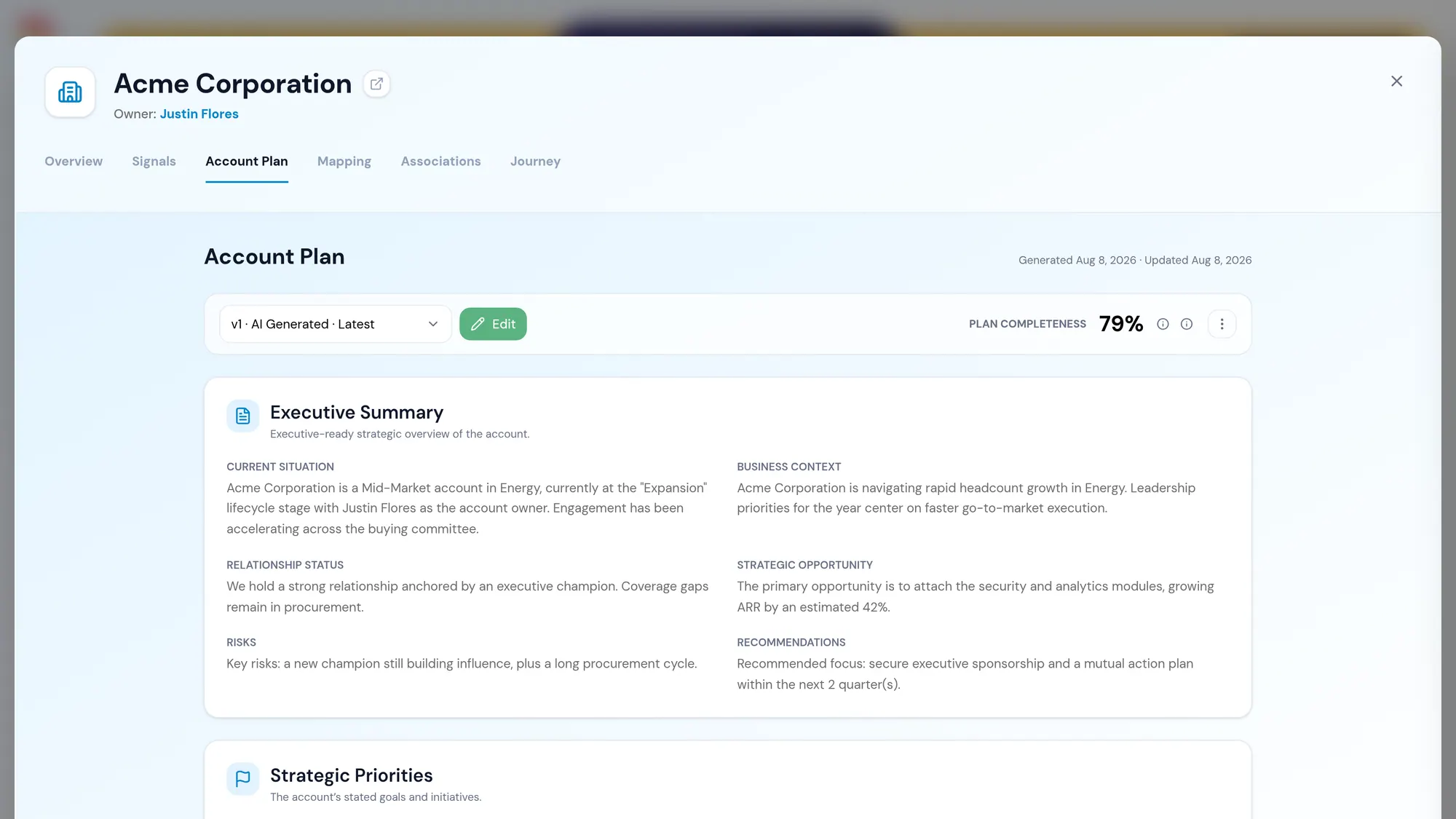
Activate is the commitment, and your click is the approval — there is no second queue where the play itself waits for sign-off. From that moment, accounts matching your eligibility conditions begin enrolling, and each one receives action instances as it reaches each timeline step. Account plans are generated automatically for every enrolled account; there is nothing extra to configure for that.
The contrast is absolute, and it is the whole reason to draft freely. Activation is the single moment the play begins to touch anyone.
An active play stays editable, which is what makes the first days recoverable rather than a launch you have to live with. But editing a live play is not the same as editing a draft, and the difference catches people out.
There is no versioned edit and no pause-to-edit: changing an active play updates the definition in place. Accounts already enrolled do not stay on the timeline they entered. They follow the updated one from whatever step they have currently reached. The builder warns you before you commit the change, and that warning is the moment to think about the cohort already in flight, not just the accounts that will enter tomorrow.
In practice this makes some edits free and others worth timing. Fixing the wording of an execution instruction is free: everyone benefits, including accounts mid-motion. Inserting a new step at day 3 is not, because an account already at day 9 will never receive it, while an account at day 2 will. When an edit changes the shape of the timeline rather than the content of a step, it is usually cleaner to let the current cohort finish and change the play behind them.
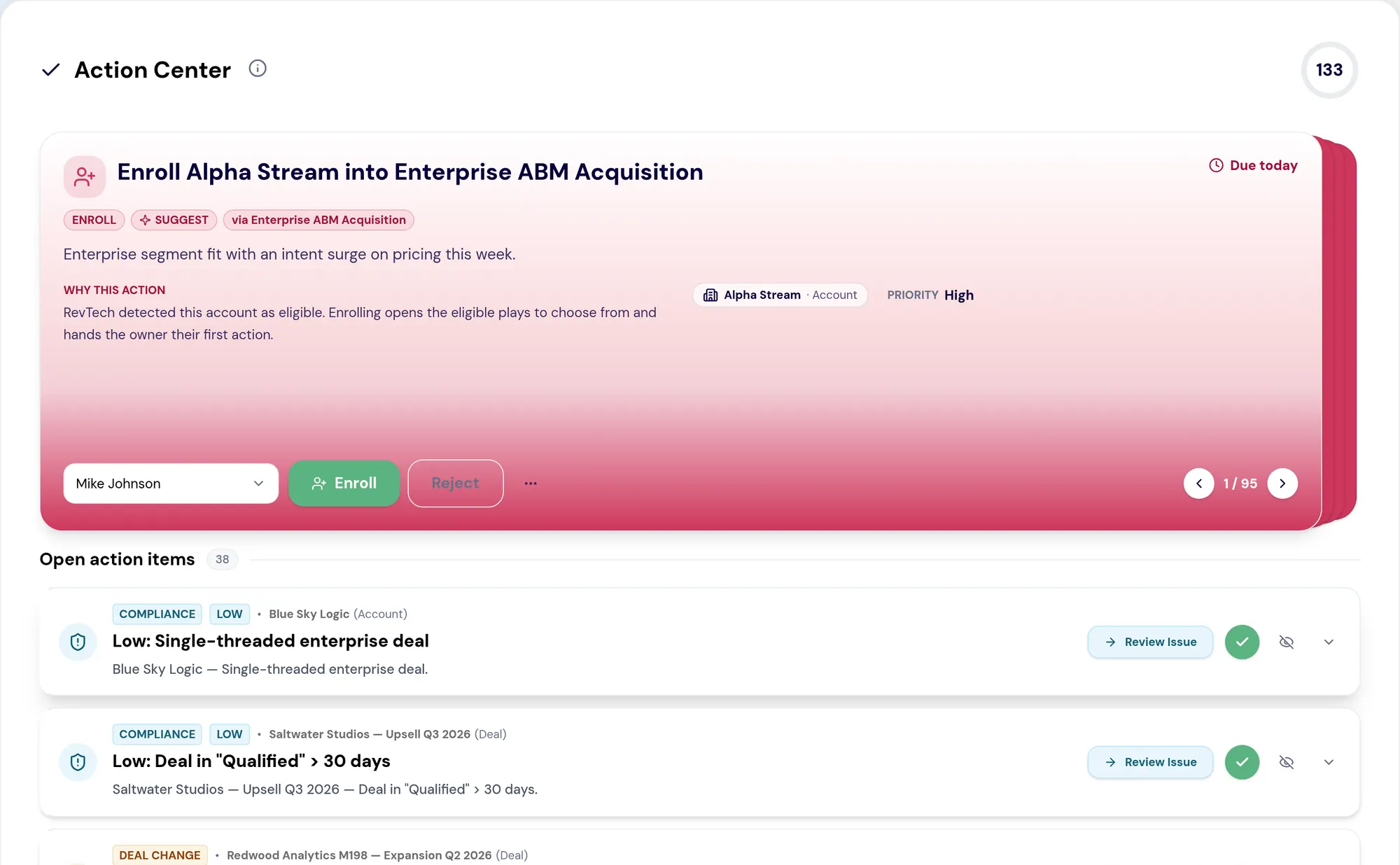
A play that starts depositing prepared work into someone's queue without warning gets treated as noise, however good the work is. Before you activate, tell the owners what is coming: what the motion is for, what will arrive, roughly how much, and what you want them to do with items they disagree with.
That last point is the one to emphasize. The rejections from the first week are the most valuable feedback the play will produce, and you only get them if people understand that sending something back is using the system correctly rather than complaining about it.
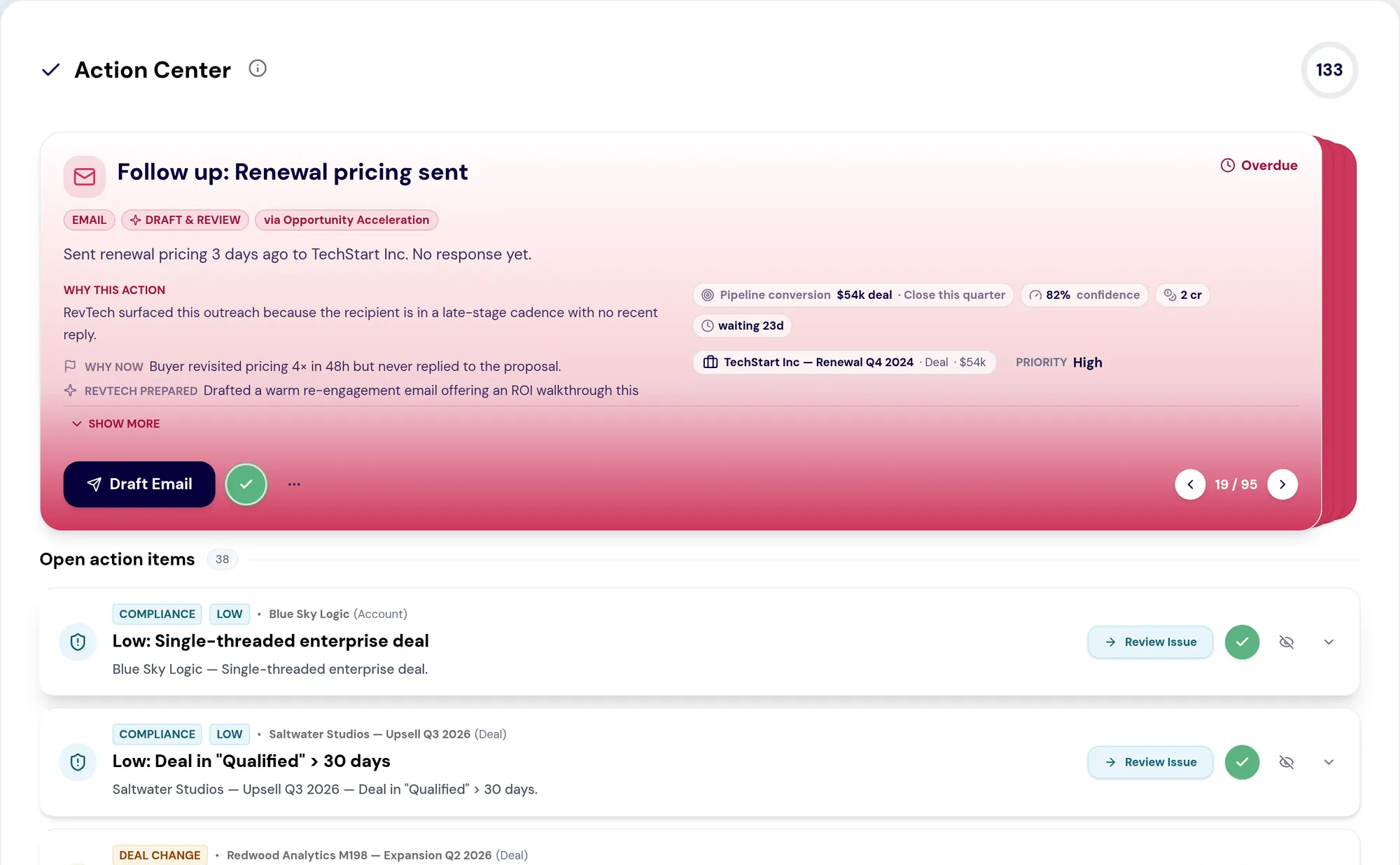
For the first cohort of accounts to reach step one, read the actual actions rather than the rollups. A handful of real prepared items tells you within a day whether your execution instructions produce work someone can act on. The aggregates will take a week to say anything, and even then they will not tell you what to fix.
Watch two things: whether the volume arriving matches the arithmetic you did when you sized the play, and whether Actions Pending is being worked down or accumulating. If either is off, the play is still yours to edit, remembering that the cohort already enrolled will pick up your change from wherever they have reached.
Most of what goes wrong with a first play is visible within two days, and almost none of it is visible in a dashboard.
Do this in the product
You should be able to answer each of these from memory before opening it. Recalling the answer is what makes it stick; recognizing it when you read it does not.
Eligible accounts begin enrolling and each gets action instances as it reaches the relevant timeline step. Your click is the approval; there is no separate approval queue for the play itself.
The actual actions the play produced, not the rollups. A handful of real items tells you within a day whether your instructions produce workable output; aggregates take a week and will not say what to fix.
Activate RevPlay sets the motion live. Eligible accounts start enrolling and each gets action instances as it reaches the relevant timeline step. There is no separate approval queue for the play itself.
The first few accounts to reach step one tell you more in a day than the rollups will in a week.
Actions landing unannounced in someone's queue is the fastest way to have a good play ignored.
See agents carry the repeatable work of GTM across sales, marketing, customer success, and RevOps. Every action prepared, reviewed, and recorded. Fictional data, real product.
Explore the demo