Slide 1 of 4
Accounts are not the workload
Multiply eligible accounts by the actions per account that need a human. That product is what arrives in the queue.
Convert the eligible-account count into the number of actions your team will actually receive, and adjust before that lands in anyone's queue.
Two surfaces show you the size of what you defined. The eligibility step itself reports how many accounts currently match your conditions, so read it before you leave the step. And once plays are live, the RevPlays library carries the operating numbers everywhere: four rollup tiles across the top (Active RevPlays, Eligible Accounts, Actions Pending and Actions Completed) plus per-play columns for eligible accounts, enrolled accounts and actions completed.
Learn the tile names as they are written, because two of them are easy to misread. Eligible Accounts is the sum of accounts matching conditions across every play, not accounts currently in one. And Actions Pending counts only the active plays, so it is a live queue depth rather than a historical total.
Actions Pending is the tile to build a habit around. It is the one number that tells you whether the whole book of plays is generating work faster than the team absorbs it, and this lesson is the arithmetic for predicting it before activation instead of discovering it after.
The eligibility step tells you how many accounts match. That number is not the workload, and treating it as one is how first plays overwhelm the people they route to. The workload is the number of actions that will reach a human, which is the eligible accounts multiplied by the approval-gated actions each account generates as it moves through the timeline.
Do the arithmetic explicitly rather than by feel. Three steps get you from the count on the screen to the honest figure: how many decisions one person receives from this play on an average day.
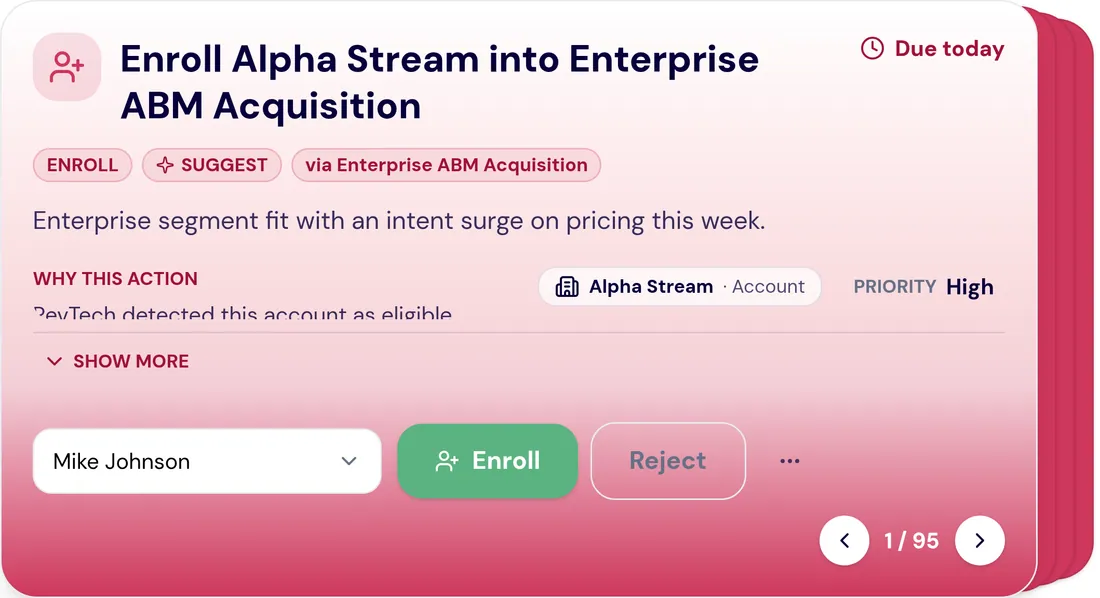
Now hold the result against a real morning for the role it routes to. A rep with a full calendar has a limited window for queue work, and that window is already carrying items from every other source in the system. If the play alone would fill it, the play is either too wide or too gated, and the fix belongs in the builder, before activation, not in a conversation about adoption three weeks later.
Both levers are available and they are not equivalent. Tightening eligibility reduces how many accounts are in the motion. Reducing approval gates keeps the accounts and lowers the review burden. Which one is right depends on whether the constraint is coverage or attention, and it is worth being explicit about which you are choosing.
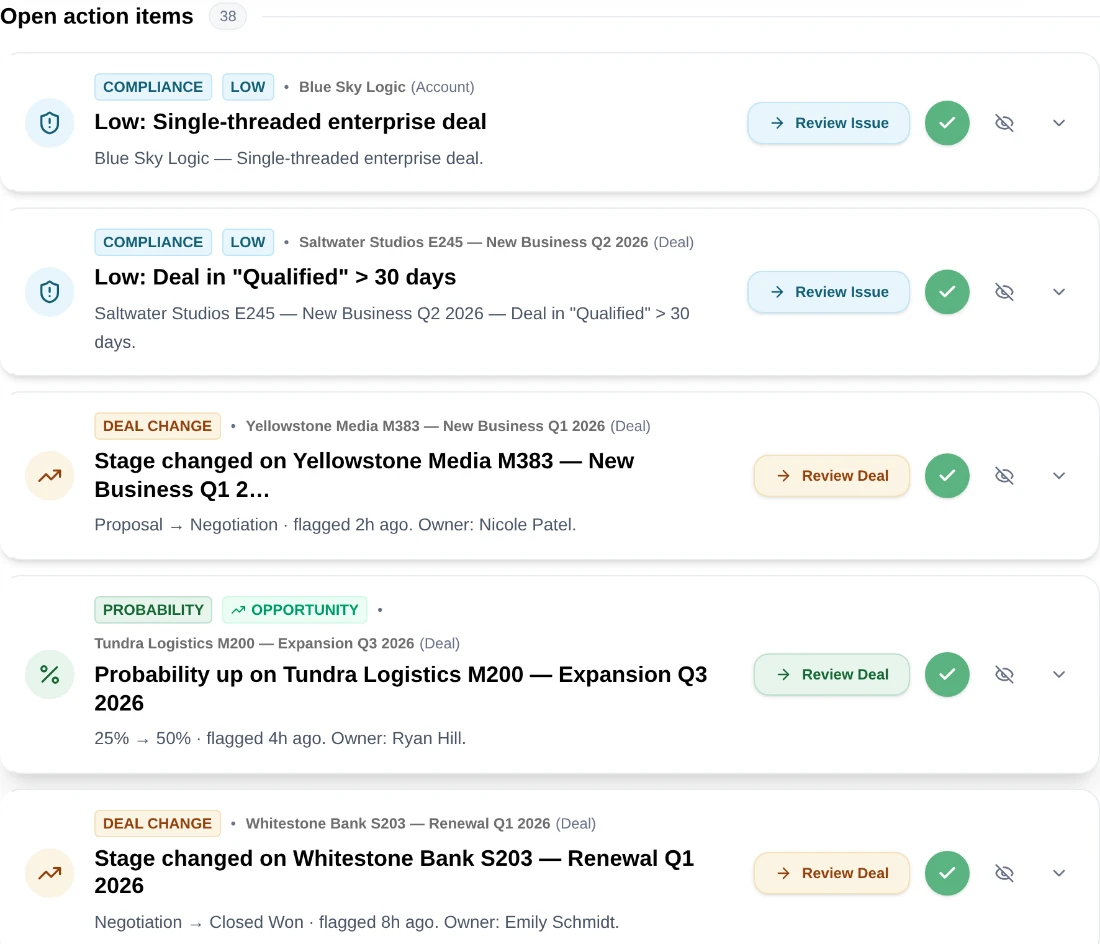
The estimate you make here is exactly that, and the product will tell you shortly how good it was. Write the number down now, because comparing it against Actions Pending a fortnight after activation is the only way to find out whether you are good at this yet.
If Actions Pending climbs steadily after launch, the play is generating work faster than the team is absorbing it and the arithmetic needs revisiting with the real figures. If it sits flat at a level the team clears each day, the estimate held.
Your eligibility step reports 47 matching accounts. The timeline has four steps over 21 days, and two of the steps carry approval-gated actions, the two outreach touches. So each account generates two decisions across three weeks: 47 × 2 = 94 decisions, ÷ 21 days ≈ 4.5 decisions a day arriving from this play. They route to the account owners, say six AEs, so each AE sees, on average, under one decision a day from this play.
That fits comfortably in anyone's queue time, so this play activates as-is.
Now rerun it with the numbers a first-time builder often chooses: 400 eligible accounts, four gated actions, the same 21-day timeline. That is 1,600 decisions over 21 days, roughly 76 a day, spread over six people. Nearly 13 each, every day, on top of everything else already in their queue.
A play like that does not fail loudly. It produces a swelling Actions Pending tile and a team that learns to clear without reading, which is the expensive failure because it degrades every other play they work too. The difference between the two outcomes was five minutes of multiplication before clicking Activate.
Do this in the product
You should be able to answer each of these from memory before opening it. Recalling the answer is what makes it stick; recognizing it when you read it does not.
Decisions per person per day, not eligible accounts. Multiply eligible accounts by approval-gated actions per account, divide by the days the timeline spans, then divide by the people it routes to.
Tightening eligibility reduces how many accounts are in the motion. Reducing approval gates keeps the accounts and lowers review burden. Which is right depends on whether the constraint is coverage or attention.
Multiply eligible accounts by the actions per account that need a human. That product is what arrives in the queue.
If the result would not fit into the time that role actually has for queue work, the play is too wide or too gated. Fix it before activation, not after.
Eligible accounts, active enrollment and actions completed sit on every row of the RevPlays table, so you can check the estimate against reality. Actions Pending is the rollup tile that tells you whether it held.
See agents carry the repeatable work of GTM across sales, marketing, customer success, and RevOps. Every action prepared, reviewed, and recorded. Fictional data, real product.
Explore the demo