Slide 1 of 4
The Audience step asks one question
Who should this campaign target? You answer it by selecting HubSpot Lists, Segments, or both. Each is searchable and paginated, so a long library is navigable.
Select the campaign audience from HubSpot Lists and Segments, and check it will actually support per-account copy before you commit to it.
Step two of the builder is Audience Selection, and its subtitle is the whole question: who should this campaign target? The mechanism is selection rather than authoring. You search and pick from HubSpot Lists and from Segments, both of which are searchable and paginated because a mature workspace has more of each than fits on a screen.
The distinction between the two matters more than it looks. A HubSpot List is a population maintained in HubSpot, on HubSpot's rules, by whoever owns it there. A Segment is defined in RevTech against your account model. When the two disagree about who belongs in a campaign, you will spend a morning finding out why, so prefer the one whose definition you can open and read.
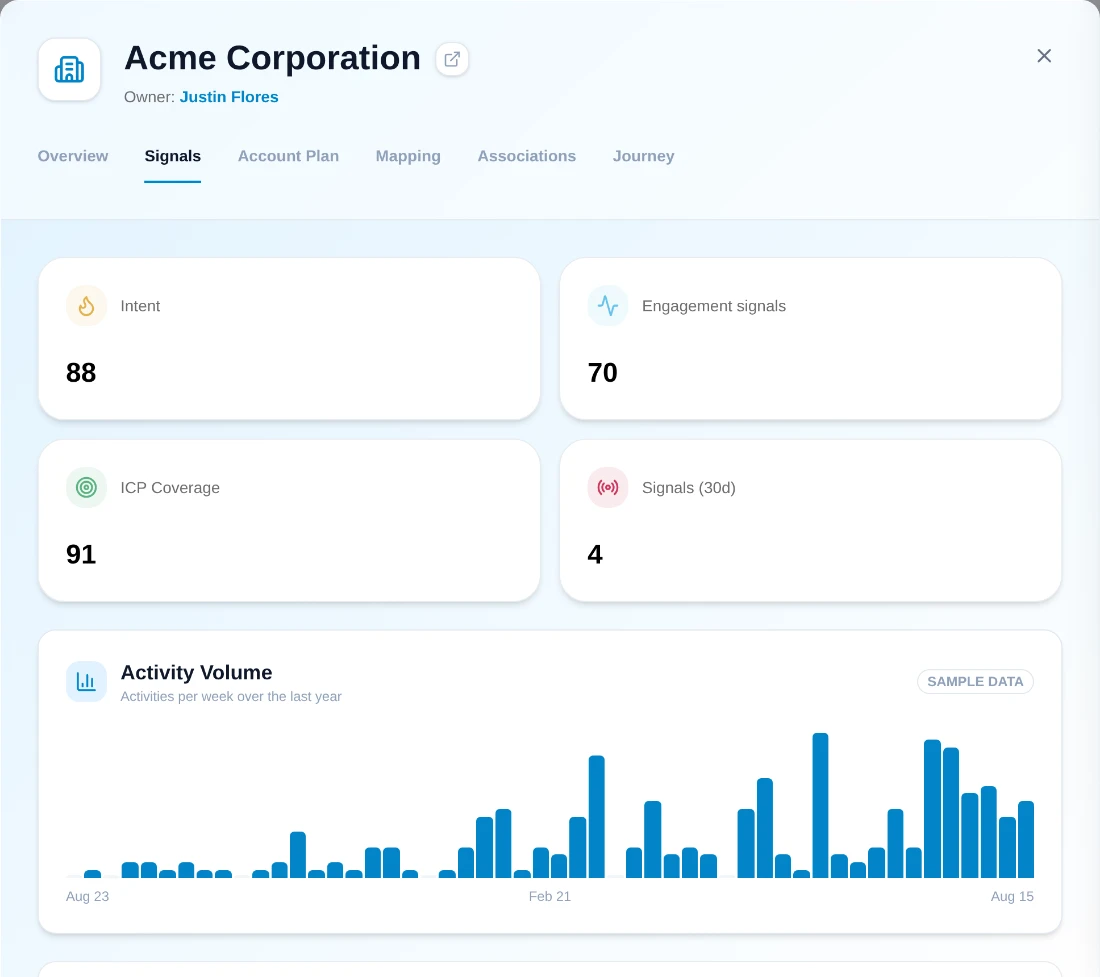
The reason to draft a landing page per account is that it can reference that account's situation. That only works when the situation is recorded somewhere the agent can reach: the signals on the account, the engagement history, the stakeholders, notes from the last conversation. An account with a name, a revenue band and nothing else does not become specific because it was written about individually.
So spot-check before finalizing. Open three accounts from the list you have selected and read what is actually on the record. If two of the three are thin, you have found the real constraint on this campaign, and it is not the brief. Either narrow the audience to the accounts where the evidence exists, or accept that this campaign should generate one master page rather than per-account pages, which is a decision the next module covers directly.
Every account in the audience can produce an asset, and every asset is nominally somebody's to approve. So audience size is also a decision about review load and about credit consumption, both worth making deliberately rather than discovering when the assets tab fills up.
This is not an argument for staying small. A later module gives you a sampling discipline that makes large campaigns tractable. It is an argument for knowing the number now, naming the person who owns review, and confirming they can absorb it before you move on.
Continuing the example campaign: the objection is "migration risk", so the audience is accounts that have shown platform intent but stalled at evaluation. You search Segments and find two candidates: "Mid-market, evaluating ops tooling" (defined in RevTech: mid-market band, intent signal on ops-platform topics, no open opportunity) and a HubSpot list called "Ops webinar attendees FY26".
The segment wins for the core audience, because you can open its definition and see exactly why an account is in it, and it keeps admitting new accounts as they come to match. The HubSpot list is a snapshot of one event, maintained by whoever owns the webinar program. It is useful as a supplementary audience, but as the core it would freeze the campaign at one moment of one channel. You select the segment, add the list as a secondary, and then run the evidence check: three accounts opened, two have intent signals and named stakeholders, one has nothing but a form-fill. That ratio is good enough to proceed per-account for briefs, with the thin accounts noted for the campaign-level page instead.
Do this in the product
You should be able to answer each of these from memory before opening it. Recalling the answer is what makes it stick; recognizing it when you read it does not.
HubSpot Lists and Segments. Lists are maintained in HubSpot on its rules; Segments are defined in RevTech against your account model. Prefer whichever definition you can open and maintain.
The agent drafts against one brief for the whole campaign. If the audience needs two different arguments, the only copy that fits both is copy that commits to neither.
Who should this campaign target? You answer it by selecting HubSpot Lists, Segments, or both. Each is searchable and paginated, so a long library is navigable.
Accounts that need different arguments belong in different campaigns, however similar their size. Accounts that share one objection belong together, however different theirs.
Per-account copy can only be as specific as the account behind it. Open three before you commit.
See agents carry the repeatable work of GTM across sales, marketing, customer success, and RevOps. Every action prepared, reviewed, and recorded. Fictional data, real product.
Explore the demo